












How to Choose a Gaming CPU: Cores, Threads, Clock Speed & What Actually Matters
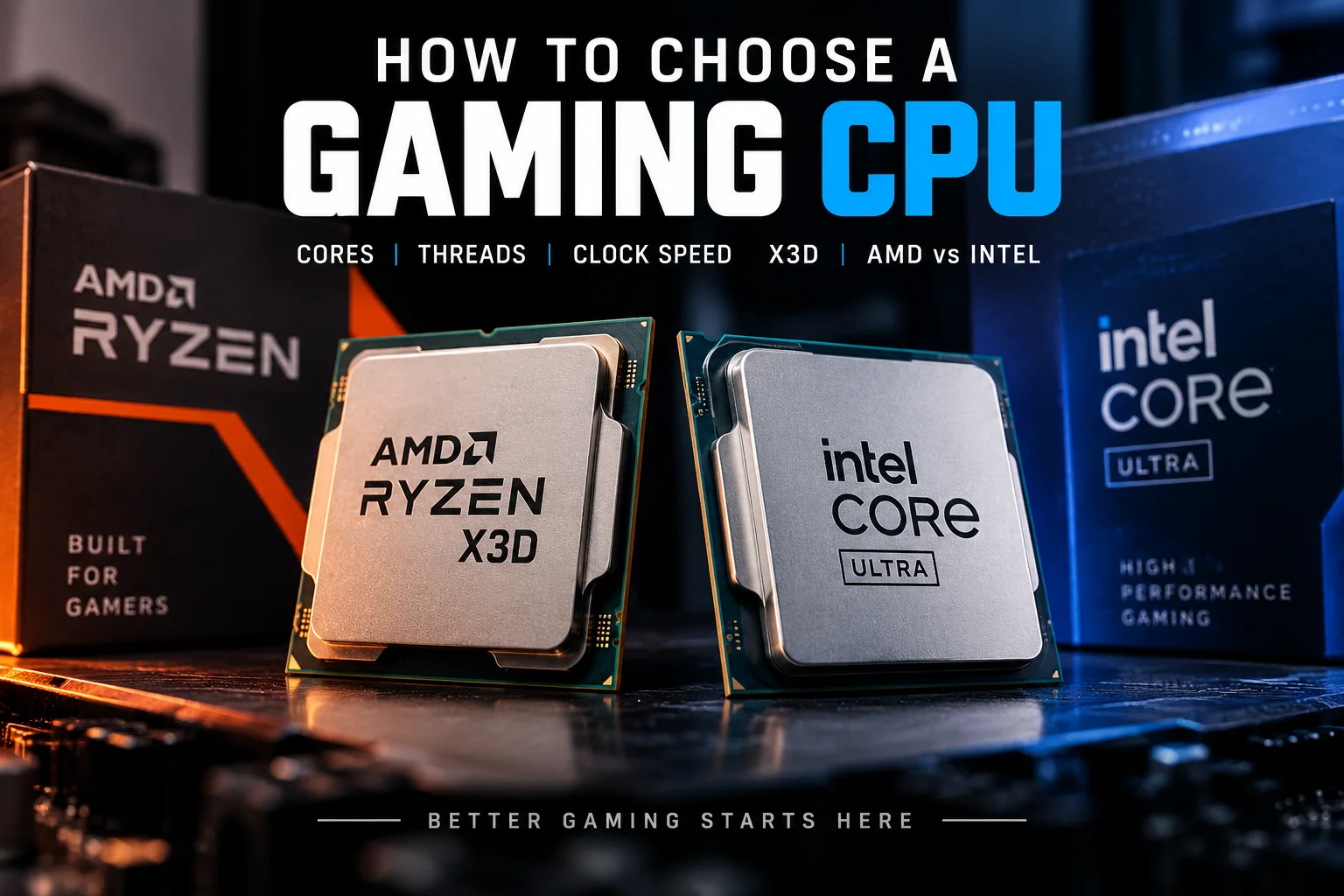
Choosing a gaming CPU doesn’t have to be complicated. You don’t necessarily need the most expensive processor, the highest clock speed or the biggest number of cores.
For gaming, what matters is how the CPU performs as part of your whole PC.
In this guide, we’ll explain the CPU specifications that actually matter, why 6-core processors can still be excellent for gaming, what makes AMD X3D processors special, and how to choose between AMD Ryzen and Intel Core processors.
Which Gaming CPU Should You Buy?
🏆 Best Gaming Performance
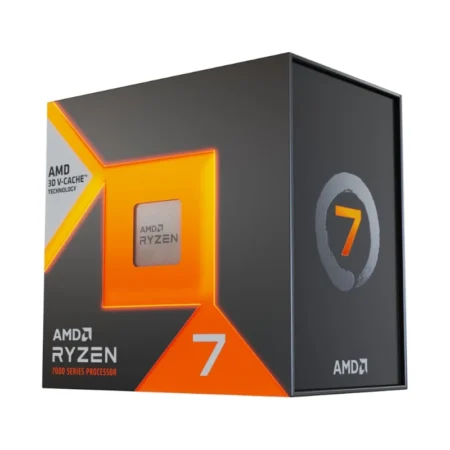
AMD Ryzen 7 9850X3D
8 cores, 16 threads and AMD X3D technology make it a high-end gaming-focused choice.
💰 Best Mainstream Gaming CPU
Intel Core Ultra 5 250K Plus
A strong mainstream Intel processor offering a good balance of gaming performance, features and platform support.
🎮 Best Value Gaming CPU
AMD Ryzen 5 7600X
A 6-core, 12-thread AM5 processor offering strong gaming performance and excellent value for a mainstream gaming build.
⚡ Best Affordable X3D Gaming CPU
AMD Ryzen 5 7500X3D
6 cores, 12 threads and AMD X3D technology make it a great choice for gamers who want X3D performance at a more affordable price.
💵 Best Budget Gaming CPU
AMD Ryzen 5 5600
6 cores and 12 threads make it a great example of how you don’t need a huge core count to build a capable gaming PC.
The short version: Don’t choose a CPU based on cores or GHz alone. Look at the CPU’s generation, architecture, gaming performance, cache, platform and how it fits with the rest of your PC.
1. What Actually Matters in a Gaming CPU?
When choosing a CPU for gaming, it’s easy to get caught up in specifications. One processor might have 6 cores. Another has 8. Another has 16 or even 24. One might boost to 4.5GHz, while another reaches 5.5GHz. It can make choosing a CPU look far more complicated than it really is.
For gaming, you should primarily look at:
- CPU generation and architecture
- Gaming performance
- Number of cores and threads
- Cache
- Clock speeds
- CPU socket and platform
- Your graphics card
- Your overall budget
The biggest mistake is assuming that the CPU with the biggest numbers must be the best gaming CPU.
It isn’t that simple.
A modern 6-core processor can be an excellent gaming CPU, while a much older 12-core processor may not be the better choice for a new gaming build.
That’s why it’s worth looking beyond the specification sheet and considering how the CPU fits into the complete system.
2. How Many Cores & Threads Do You Need?
For most gamers, 6 cores is still a very good starting point.
You don’t need 12 or 16 cores simply because modern CPUs offer them. A 6-core / 12-thread processor can provide plenty of CPU performance for a gaming PC, particularly when paired with a graphics card that makes sense for the system.
A great example is the AMD Ryzen 5 5600.
It has: 6 cores | 12 threads | 3.5GHz base | up to 4.4GHz boost | AM4
And it demonstrates an important point: you don’t need a huge core count to build a good gaming PC.
Your range also includes newer 6-core/12-thread processors such as the Ryzen 5 7600, Ryzen 5 7600X, Ryzen 5 7500X3D, Ryzen 5 9600 and Ryzen 5 9600X.
So what do the different core counts mean to us?
| Cores | Typical use |
|---|---|
| 4 cores | Entry-level gaming and basic PCs |
| 6 cores | Excellent mainstream gaming |
| 8 cores | High-performance gaming and multitasking |
| 12 cores | Gaming plus demanding productivity |
| 16+ cores | Heavy multitasking, content creation and workstation workloads |
More cores can certainly be useful. But more cores don’t automatically mean more FPS. That’s especially important when comparing CPUs from different generations.
What about threads?
Threads allow the CPU to handle more work simultaneously. You’ll commonly see:
or
A higher thread count can be useful for gaming while running Discord, streaming, recording, browsers and other applications in the background.
But again, don’t buy a CPU purely because it has more threads.
Architecture and actual performance matter too.
3. Does Clock Speed Matter?
Clock speed is measured in GHz, and you’ll normally see two numbers:
Base clock – The processor’s standard operating frequency.
Boost clock – The higher frequency the processor can reach when conditions allow.
For example, the Ryzen 5 7600 is listed at 3.8GHz base and up to 5.1GHz boost, while the Ryzen 5 9600X reaches 3.9GHz base and up to 5.4GHz boost.
So does that mean the 9600X is automatically faster because it has the higher GHz?
No.
Clock speed is only one part of CPU performance. Different CPU architectures can do different amounts of work per clock cycle, so comparing GHz between completely different generations can be misleading.
Don’t fall into the GHz trap
A CPU advertised at 5.5GHz isn’t automatically better for gaming than one advertised at 5.0GHz.
Instead, consider:
- CPU generation
- Architecture
- Gaming performance
- Cache
- Core and thread count
- Boost behaviour
- Price
Think of clock speed as one specification — not the specification.
4. What Is X3D and Why Is It Good for Gaming?
If you’ve been looking at gaming CPUs recently, you’ve probably noticed something called X3D appearing on AMD processors.
So what does it mean?
AMD’s X3D processors use 3D V-Cache technology, which adds a large amount of additional cache that can be particularly beneficial for gaming. This is why processors such as the Ryzen 5 7500X3D, Ryzen 7 7800X3D, Ryzen 7 9800X3D and Ryzen 7 9850X3D are particularly interesting to gamers.
Does that mean you need an X3D CPU?
Not necessarily.
If you’re building a high-performance gaming PC and gaming is your priority, X3D is certainly worth considering. But that doesn’t make every non-X3D CPU a bad gaming processor. A Ryzen 5 5600 can still make sense in the right system, while a Ryzen 5 7600X can offer an excellent balance for a mainstream AM5 gaming build.
The Ryzen 5 7500X3D is particularly interesting because it sits between those two ideas: a relatively accessible 6-core processor with X3D technology aimed specifically at gamers.



5. AMD vs Intel: Which Should You Choose?
This is one of the questions we hear most:
AMD or Intel?
The honest answer is: Look at the individual CPU, not just the brand
Both AMD and Intel offer processors suitable for gaming, from affordable options through to high-end CPUs.
AMD Ryzen
AMD’s Ryzen range covers a huge part of the gaming market.
For mainstream gaming, processors such as the Ryzen 5 5600, Ryzen 5 7600X and Ryzen 5 7500X3D give you several different approaches to building a gaming PC.
Moving higher up the range, Ryzen 7 and Ryzen 9 processors provide more performance and additional cores, while X3D models are particularly attractive for gaming-focused systems.
Intel Core and Core Ultra
Intel’s range includes traditional Core processors as well as the newer Core Ultra family.
Your range includes the newer Core Ultra 5, Core Ultra 7 and Core Ultra 9 processors, including the Core Ultra 5 250K Plus and Core Ultra 7 270K Plus.
So which is better?
There isn’t a simple AMD-or-Intel answer.
Compare the specific processors you’re considering and then look at the motherboard, memory, graphics card and overall system cost.
For a new build, the platform you’re buying into can be just as important as the CPU itself.
6. Don’t Forget the CPU Socket
This is one of the most important things to check before buying a CPU. Your processor must be compatible with your motherboard.
For example, AMD processors in our range use different platforms including:
The Ryzen 5 5600 is an AM4 processor, while the Ryzen 5 7600X and Ryzen 5 7500X3D use the newer AM5 platform.
Why does this matter?
You can’t simply buy any CPU and install it into any motherboard.
The socket, chipset and platform need to be compatible.
So if you’re upgrading an existing PC, check your motherboard before choosing your CPU.
If you’re building a new PC, choose the CPU and motherboard together as part of the same platform.
7. Our Gaming CPU Picks
Now for the part that matters when you’re actually ready to buy.
Rather than simply calling one processor “the best”, we’ve chosen CPUs for different types of gaming builds and budgets.
🏆 Best Gaming Performance
AMD Ryzen 7 9850X3D
8 cores, 16 threads and AMD X3D technology make the Ryzen 7 9850X3D a high-end gaming-focused choice.
With an AM5 platform, 8 cores and 16 threads, it’s aimed squarely at gamers building a high-performance system.
Best for: High-end gaming PCs and gamers looking for maximum gaming performance.

💰 Best Mainstream Gaming CPU
Intel Core Ultra 5 250K Plus
The Core Ultra 5 250K Plus gives Intel fans a newer-generation option for a mainstream-to-performance gaming build.
It is part of Intel’s newer Core Ultra platform and offers a good balance between CPU performance and the features of a modern platform.
Best for: Gamers building a new Intel-based gaming PC.

🎮 Best Value Gaming CPU
AMD Ryzen 5 7600X
The Ryzen 5 7600X is a strong mainstream gaming option.
With 6 cores and 12 threads, it shows again that you don’t need an enormous core count for a gaming PC.
It also uses the AM5 platform, making it an interesting option for someone building a new AMD system.
Best for: Mainstream gaming PCs where performance and platform value both matter.

⚡ Best Affordable X3D Gaming CPU
AMD Ryzen 5 7500X3D
This is where things get particularly interesting for gamers.
The Ryzen 5 7500X3D combines 6 cores, 12 threads and AMD X3D technology, giving you a gaming-focused processor without stepping all the way up to the more expensive Ryzen 7 and Ryzen 9 X3D models.
If you’re building a new AM5 gaming PC and gaming performance is your priority, this is a CPU worth considering.
Best for: Gamers wanting X3D gaming performance at a more accessible level.
💵 Best Budget Gaming CPU
AMD Ryzen 5 5600
The Ryzen 5 5600 is proof that you don’t need the latest and most expensive processor to build a good gaming PC.
With 6 cores and 12 threads, it remains a sensible choice for a budget-focused system.
It also uses the AM4 platform, which can make it particularly attractive for an upgrade or an affordable build where keeping the overall system cost down is important.
Best for: Budget gaming PCs and affordable upgrades.

8. Final Thoughts
Choosing a gaming CPU doesn’t have to mean comparing dozens of specifications and trying to work out which number is biggest.
Start with your budget and graphics card, then choose a CPU that makes sense for the rest of the system.
Remember:
6 cores can still be enough for gaming.
You don’t automatically need 12, 16 or 24 cores.
Higher GHz doesn’t automatically mean better gaming performance.
Architecture and real-world performance matter.
X3D is worth considering if gaming is your priority.
But you don’t need an X3D processor to build a good gaming PC.
Always check your CPU socket.
AM4, AM5, LGA 1700 and LGA 1851 are not interchangeable platforms.
Ultimately, the best gaming CPU is the one that gives you the right performance for your budget and works well with the rest of your PC.
Ready to find yours?

How to Choose a Graphics Card for Gaming: What Actually Matters